
This section represents an extremely important and dynamic menu within the CoachSys app, serving as the central hub for a Staff member’s daily operations. Crucially, this menu is controlled primarily through the ‘Permission Groups’ feature in the Admin panel.
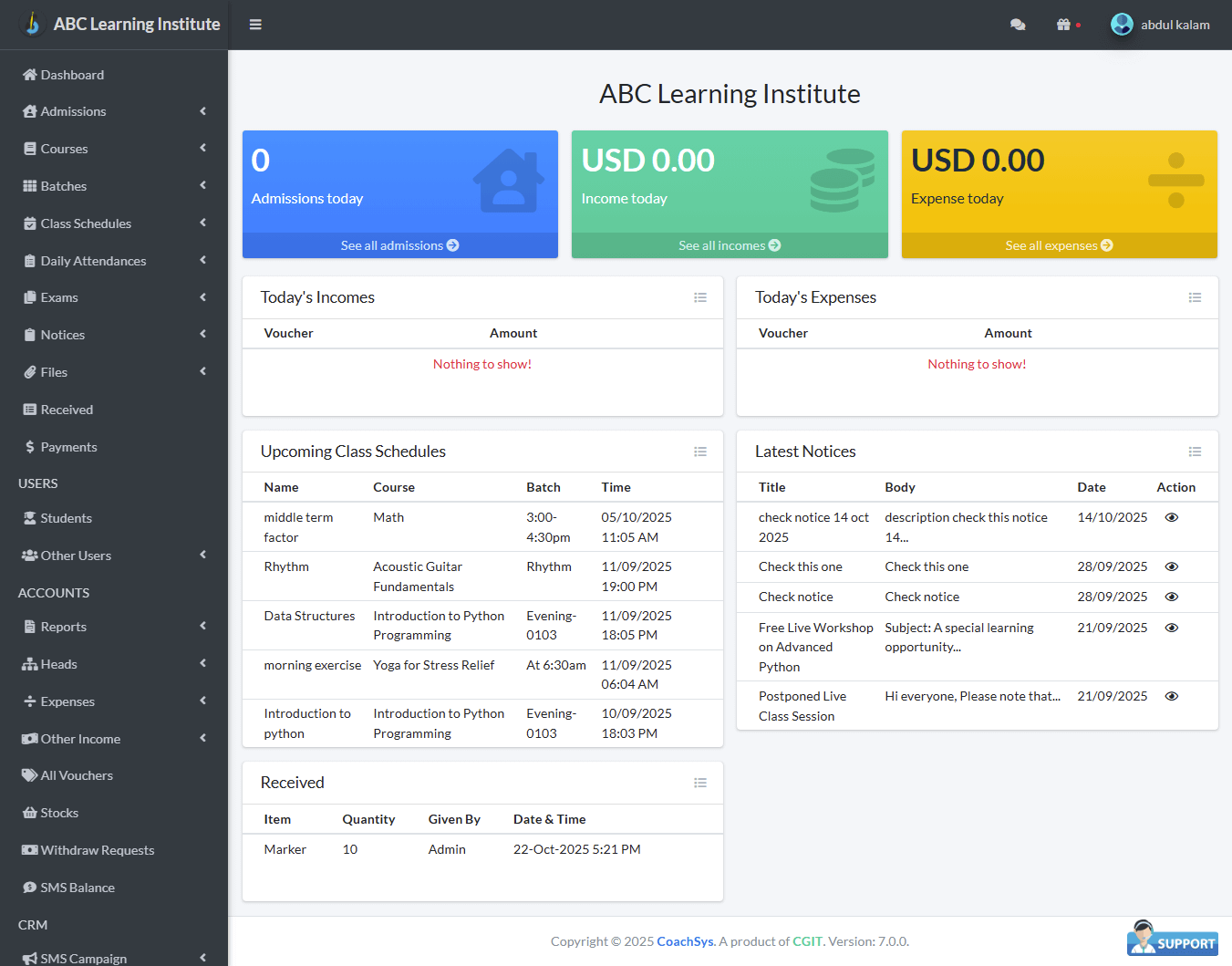
When the Administrator grants access to any new responsibility or module under your assigned ‘Permission Group,’ those latest functions will automatically appear in this drop-down menu. This means that as the scope of your work expands, the options available within this menu may also increase.
However, to maintain the operational integrity of the system and ensure a clear workflow, certain administrative or financial control options are restricted in this menu. For example, sensitive information such as settings related to ‘Permission Groups,’ ‘Package Upgrade,’ or ‘Subscription Fees’ will not be accessible here. This menu is designed to ensure that you can efficiently complete only your assigned tasks.